Tips
Learn to type without looking at the keyboard
How to break the habit of looking down while you type, with concrete exercises for the keys that keep pulling your eyes to the keyboard.
Automatically translated from German. Read the original
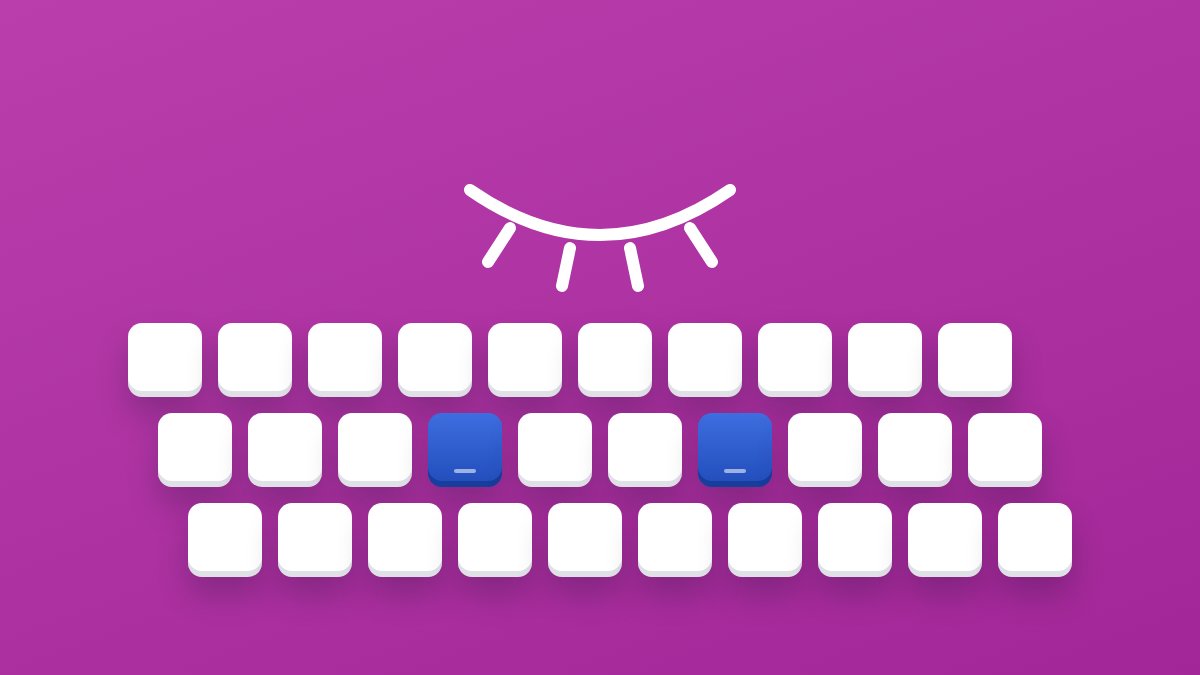
Touch typing means your eyes stay on the screen while your fingers find the keys. That is the real core of the technique. If you type with ten fingers but glance down every few words, you lose much of the benefit.
Looking down is a habit, and habits can be changed. It just takes some patience, because you will be slower at first.
Why looking down slows you down
Every glance at the keyboard costs more than the glance itself. Afterwards you have to find your place in the text again. You notice mistakes later, because you do not see them happen. Most importantly, your fingers never learn the keys as long as your eyes do the work for them.
Find the home row by feel
It all starts with the bumps on F and J. Rest your index fingers on them and place the other fingers next to them on the middle row. From there, each finger reaches its own keys and returns after every keystroke.
If you lose your place, do not look down. Feel for the bumps instead and start again from there. At first that takes a second or two, but it quickly becomes routine.
Five exercises to stop looking down
- Slow down instead of looking. When you are searching for a key, take the time to find it by feel. One slow keystroke without looking teaches you more than a fast one with a glance.
- Cover your hands. A cloth or a sheet of paper over your hands makes cheating impossible. It is uncomfortable, but it works well if your eyes keep drifting down.
- Find your problem keys. Usually only a few keys make you look: the number row, symbols such as @ or #, and brackets. Pay attention for a week to which ones they are for you, and practise exactly those.
- Say the path to yourself. For a tricky key, briefly tell yourself which finger types it and which way it moves, for example "left ring finger, up". It helps your memory.
- Keep it up in daily life. The real test is not the exercise but your next email. Make a point of typing at least the first few sentences of the day without looking.
What to expect from numbers and symbols
With letters, touch typing usually clicks after a few weeks. The number row and the symbols take longer, because they are further from the home row and come up less often. That is normal. Practise them on purpose once the letters are solid, rather than typing them with a glance forever.
How Keypacer helps
Below the practice text, Keypacer shows an on-screen keyboard. The keys are coloured by finger and the next key is highlighted, so you can find it with your eyes on the screen rather than on your hands. Once you type a key reliably, Keypacer fades out the hint for it and you type from memory. It only lights up again when you hesitate or make a mistake. Your next exercises are built from the keys where you hesitate most.
Learn it with Keypacer: an on-screen guide until you no longer need it. Start training now