Tips
Typing is more private: how to protect what is on your screen
Why typing is more private than dictating, and how to keep your screen away from prying eyes on the train, in cafés and at the office.
Automatically translated from German. Read the original
In Why learn to type when AI can take dictation? we looked at when dictation helps and when the keyboard is better. One point deserves its own article: privacy.
Who is listening when you dictate
Dictating means speaking out loud. In an open-plan office, on a train or in a café, everyone nearby hears it, names, numbers and health details included.
Then there is the technology. Many dictation tools do not process your recording on your device but on the provider's servers. What happens there to your voice and your text is set out in the provider's privacy policy. For anything confidential, it is worth reading first.
What stays with you when you type
When you type, the text is created on your device, and nobody in the room hears it. Anyone who wants to read it has to look at your screen. That is where you can do something about it.
Stopping people from reading along
Reading over someone's shoulder has a name: shoulder surfing. It is rarely deliberate, but it happens all the time. A few simple measures help:
- Choose your seat. Keep a wall or a window behind you and do not turn your screen towards the aisle. On a train, the window seat beats the aisle seat.
- Tilt the screen and turn the brightness down. A flatter angle and less brightness make the text harder to read from the side.
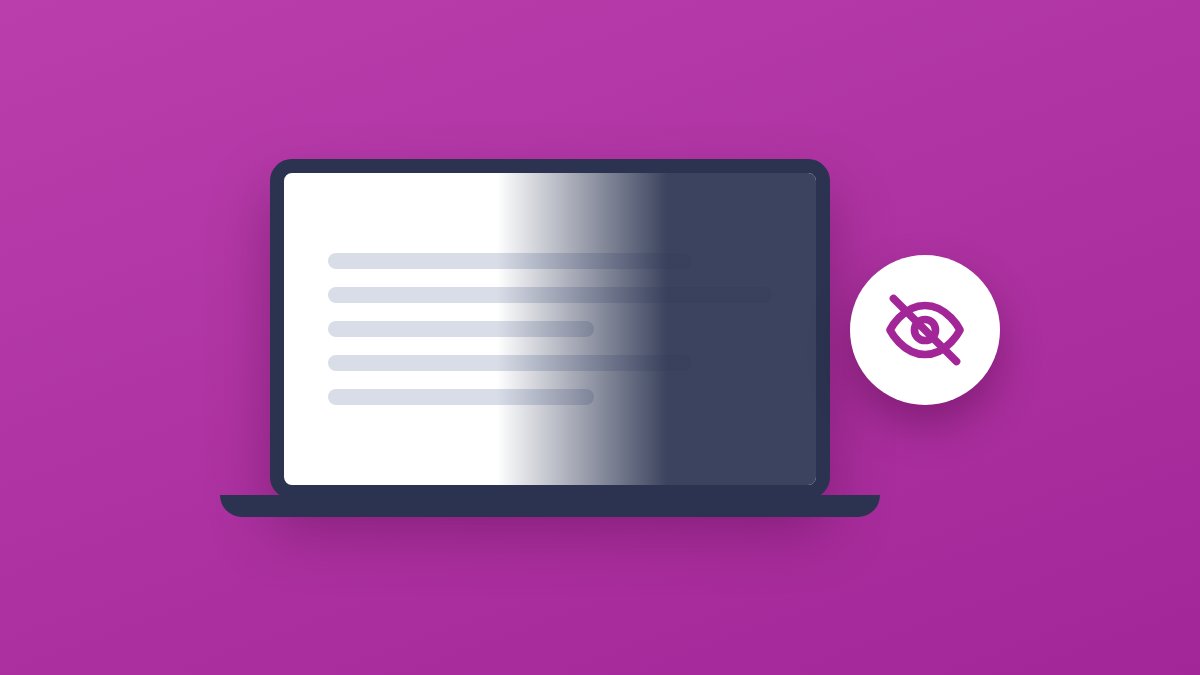
- Use a privacy filter. They exist for laptops and monitors. From the front the picture is clear, from the side it goes dark.
- Switch on the built-in privacy screen. Some business laptops have one built in, such as HP Sure View, Lenovo PrivacyGuard or Dell SafeScreen. It usually toggles with a function key. Check your device's manual.
When you get up
Lock your screen, even if you are only gone for half a minute. These shortcuts are the quickest way:
| System | Shortcut |
|---|---|
| Windows | Win + L |
| macOS | Control + Command + Q |
| Linux (GNOME) | Super + L |
Also set your screen to lock automatically after a few minutes. Windows, for example, can lock itself with Dynamic Lock as soon as your paired phone moves out of range.
Small habits
- Lock your screen every time. Whenever you get up, not just in a café. After a few days you will do it without thinking.
- Notifications without previews. Otherwise the private message pops up in the middle of your presentation.
- Passwords only when nobody is watching. Ideally typed blind, without looking at the keyboard.
- Share a single window on video calls. Not your whole screen.
Touch typing helps here too
If you do not have to look at the keyboard, your head is free to notice your surroundings, including someone standing behind you. And if you type fast, you are done with confidential input sooner.
Dictation has its strengths. Where confidential things are concerned, confident touch typing is the quieter choice.
Learn it with Keypacer: in a few minutes the trainer finds your weakest keys and builds your exercises around them, free and right in your browser. Start training now