Background
Why learn to type when AI can take dictation?
Dictation tools like Wispr Flow are fast and good. Where they replace the keyboard, where they don’t, and how to combine both.
Automatically translated from German. Read the original
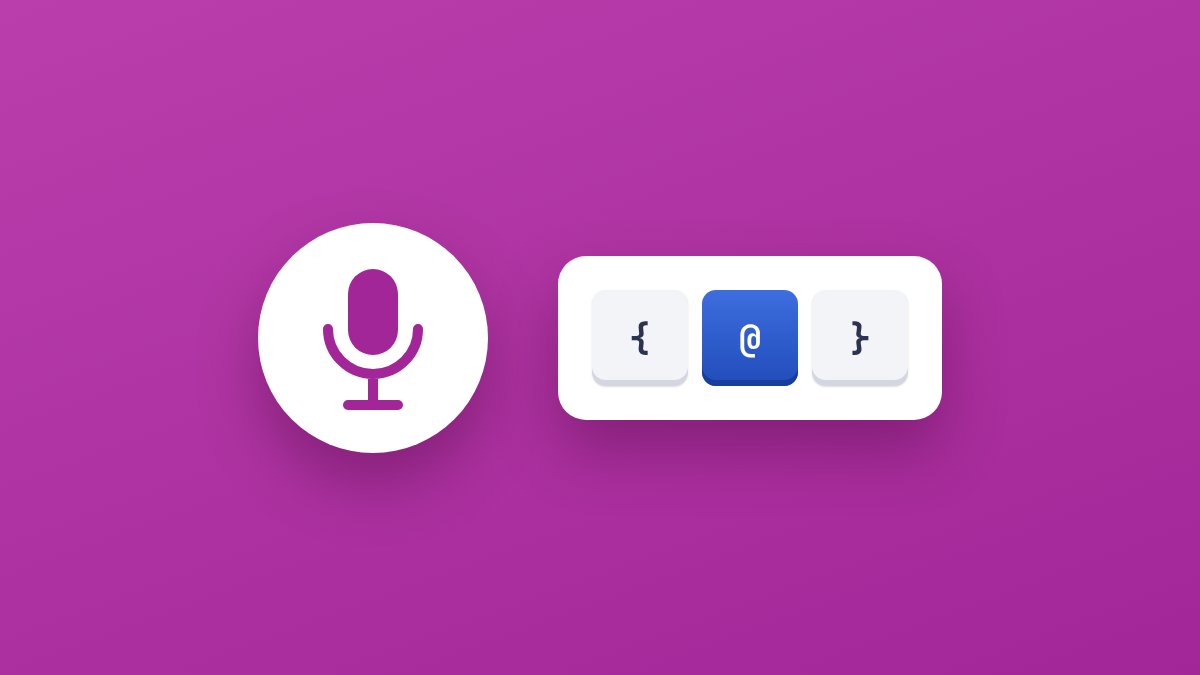
Dictation tools have become much better in recent years. Programs like Wispr Flow write down what you say, remove filler words and add punctuation, in almost any app. So it is natural to ask whether learning to type is still worth it.
The short answer: yes. Dictating replaces part of your typing, but not all of it.
Speaking is faster
That is not in dispute. A 2016 study at Stanford University showed that speech input on a smartphone is about three times as fast as typing on the on-screen keyboard. On a real keyboard the gap is smaller, but speaking remains faster than almost any typing.
Where dictation works well
- long messages and emails where the content matters
- notes and first drafts
- capturing thoughts when you are on the move
- when your hands or wrists need a break
Where the keyboard is better
Correcting. Changing a word, adjusting a number, spelling a name correctly: with the keyboard that is faster than describing it.
Characters you don’t speak. Code, formulas, file paths, passwords, brackets and special characters are hard to dictate.
Places where you can’t talk. Open-plan office, library, train, a video call in progress. And some things you would rather not say out loud.
Wording. Speaking and writing are different activities. When writing, you rephrase, cut and move sentences around. Many people think differently than when they talk.
Combining both
Dictation and keyboard do not exclude each other. A sensible division of labour:
- Dictate the rough text when it is long and speed matters.
- Revise, shorten and correct with the keyboard.
- Type short replies, search terms and anything with special characters directly.
The more fluently you type, the less time step 2 takes.
How much practice makes sense
You don’t need to set records. It is enough if the keyboard doesn’t slow you down: typing without looking, without searching, and with few mistakes. With 15 minutes of practice a day, most people get there in a few weeks.
That is where Keypacer comes in. The trainer measures which keys you hesitate on or miss, and builds your next exercise from them.